
How Can AI Be Used in Video Production?
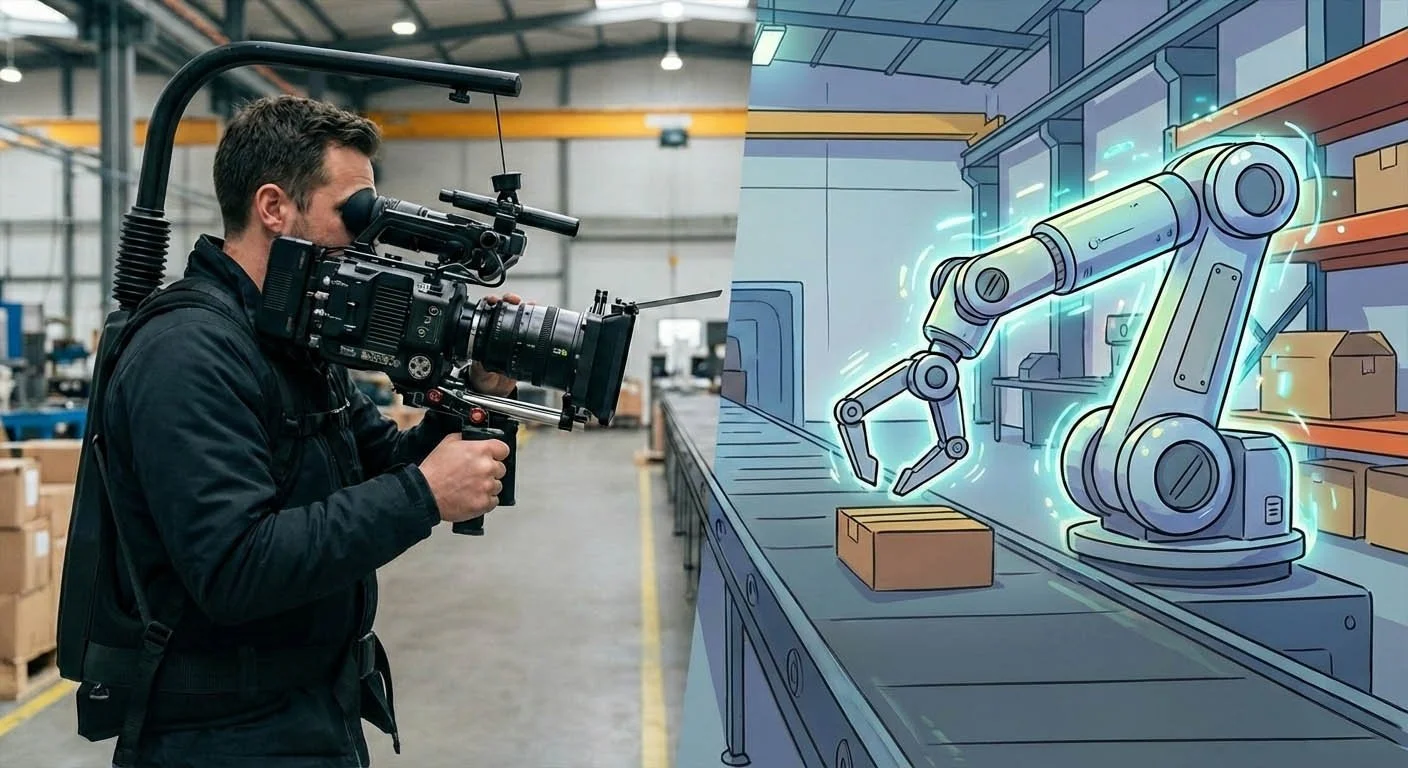
If you are a marketing manager or business leader in the Chicago area, you are probably hearing about AI in video every week.
The tricky part is this. Most of what you read is either hype or fear.
Here is the grounded answer.
AI can help you make better videos faster, especially when you need visuals that are hard to film or too costly to stage. But it has limits, and you still need a real production process to keep quality and approvals under control.
If this is for internal messaging, executive comms, or stakeholder updates, our corporate video production team can help you plan the right mix of live action, graphics, and AI-supported visuals.
How can AI help video production?
The customer (you)
You want video that:
Looks professional
Explains the idea clearly
Gets done on schedule
Stays on budget
Does not create legal, brand, or approval headaches
Whether you are launching a product in Oak Brook, training a team in Bensenville, or rolling out a campaign across Chicago, these basics never change.
If you want a non-AI example that shows how video can pay off, here is a quick breakdown of the ROI of testimonial video production.
The problem
AI creates a few common issues:
It is hard to know where it fits
Results can look inconsistent from scene to scene
Details can be wrong, especially text and numbers
The "cool demo" does not always turn into a usable ad, training piece, or corporate message
If you get this wrong, you waste time, confuse stakeholders, and end up paying twice.
I have seen this happen with businesses from Naperville tech companies to Chicago healthcare organizations. The cost of a failed video project is not just the money—it is the lost momentum.
The guide (my role)
My job is to keep the process simple, protect your brand, and help you use AI only where it makes sense.
That means:
Clear direction up front
Tight approvals
Responsible use of voice and likeness
A plan that matches your goals, timeline, and budget
Where AI helps in video production
1) Showing what you cannot easily film
This is the big one.
AI is useful when:
The concept is hard to show with a camera crew
The visuals would be expensive to create with practical sets or effects
You need to show something before launch and there is no footage library yet
For example, a manufacturing company in Lisle needed to show internal machinery processes that were impossible to film safely. AI helped us create accurate visuals without shutting down production lines.
You can use AI to support the story, explain the idea, and get stakeholder buy-in faster.
If the end goal is a video that drives sales or leads, our marketing video services cover the full process from planning through final delivery
2) Storyboards that people actually react to
AI can help you create clear storyboard frames so your team can sign off on the concept before you invest in full production.
This keeps projects from drifting.
It also cuts revision cycles, because everyone sees the plan early.
This approach has worked well for clients from Aurora to downtown Chicago who need executive approval before moving forward.
3) Animation to support a live-action plan
AI animation can work well as a helper, not the whole video.
Examples:
A short animated section to explain a hard point
A visual cutaway to show what is happening inside a product
Simple character-based scenes when live action would be awkward or costly
4) Speeding up post work
AI can support post production tasks like:
Captions and transcripts
Rough organization of footage
Some audio cleanup, depending on the source material
This is not "push a button and you are done." It is "save time on parts of the workflow."
A real case study: Vibe commercial (Christmas break 2025)
Over Christmas break 2025, we created a commercial for Vibe using an AI animation approach. We chose a soft cartoon like image for the character because we didn’t want the medical side effects to be too scary.
Here is the process we used:
We built a storyboard and sent it to the client to approve the images.
After approval, we animated the scenes.
The client approved the scenes before we assembled the full spot.
Final review stayed with the client.
The entire spot was produced in two weeks.
AI helped us show concepts that would have required a special effects house. We estimate the client saved 10 to 20 times their budget compared to that route.
The client was happy with the result and asked about producing more AI-based spots for clients of his marketing company.
That is the real win when AI is used well: faster timeline, lower cost, and a result that still works like a real commercial.
If you are planning a spot, here is a simple overview of the TV commercial production process and what approvals should look like.
Where AI breaks down (real issues you should expect)
You must be specific
If your prompts are vague, your results will be vague.
The best outputs come from:
Clear creative direction
Strong reference images
A short list of "must match" rules
A few rounds of feedback
AI or not, most bad videos fail for the same reasons. Here are common training video production mistakes to avoid.
Consistency can be a problem
Characters can change between scenes. Hair, face shape, wardrobe, small details.
This is fixable, but it takes control and patience.
Text and numbers can be wrong
AI struggles with:
Small text
Labels
Screens
Clocks
Appliance displays
Background details like outlet shapes
If you need accurate text and numbers, plan on human-built graphics and a human review.
A Naperville financial services firm learned this the hard way when AI-generated charts showed incorrect percentages. We caught it in review, but it reinforced the need for human oversight.
Responsible use matters
Here is our line in the sand.
We only work with client permission. We will not clone a voice or image without proper approval. We are not interested in using AI to embarrass people or make mean content.
This is business. Act like it.
From Skepticism to Scale: Producing a Hyper-Realistic Spot in 10 Days
In early 2026, we were handed a challenge that most production houses would have turned down: produce a professional commercial for air in eight US regions with only 10 days on the clock.
To hit this deadline without sacrificing quality, we utilized an AI Video Production workflow. We chose a hyper-realistic visual style because we wanted the audience to truly see themselves in the space. We didn't want it to feel like a "concept"—we wanted it to feel like home.
Our 10-Day "Sprint" Process:
To maintain total transparency and speed, we followed a rigorous, four-step workflow:
Storyboard Approval: We built a detailed storyboard to align on the vision before a single frame was rendered.
Scene Animation: Once the "blueprint" was approved, we moved into animating the hyper-realistic environments.
Assembly: We presented the individual scenes to the client for a final check before the full spot was stitched together.
Final Review: The client gave the ultimate green light for broadcast.
The Results
Traditional production—finding actors, securing locations, and hiring a full camera crew—would have easily tripled the timeline and bloated the budget. By using AI, we estimate the client saved 5x their budget compared to a traditional shoot.
The Real Win
The most rewarding part of this project wasn't just the 10-day turnaround; it was the shift in perspective. The Ad Agency involved was initially concerned about the outcome and skeptical of the AI methodology. However, seeing the hyper-realistic quality and the speed of delivery changed everything.
Now, they aren't just "okay" with AI—they are actively looking for ways to bring this methodology to their other clients.
That is the power of AI when used correctly: it’s not just about doing things faster; it’s about making the impossible practical.
The plan (simple and repeatable)
If you want to use AI in your next video, here is a practical plan.
Step 1: Define the goal
One sentence.
What should the viewer think, feel, or do after watching?
Step 2: Identify the hard-to-film parts
List the scenes that are:
Too expensive to shoot
Not possible to shoot
Not available yet (pre-launch)
Step 3: Use AI only for those gaps
Do not force AI into scenes that are better as live action.
Step 4: Keep approvals tight
This is the key to avoiding wasted time.
Our approval flow looks like this:
Client approves storyboard before production
Client approves key scenes before full assembly
Client approves final cut before release
This process works whether you are in our Naperville studio or joining a review call from your Chicago office.
FAQ
Can AI replace a video crew?
Sometimes it can replace a specific shot. It cannot replace judgment, planning, and real production leadership. Think of AI video as elements for the edit.
Is AI video cheaper?
It can be, especially when the alternative is complex animation or effects. But it still takes time to direct and review.
How do you keep AI scenes consistent?
You control style references, lock character rules, and review scenes before assembly.
Is AI safe to use for brand work?
Yes, if you get permissions, avoid cloning without approval, and keep a clear review process.
What is the easiest way to start?
Start with one short AI-supported section inside a normal video, and keep approvals simple.
Do you work with clients outside the Naperville area?
Yes. While we are based in the western Chicago suburbs, we work with clients throughout Chicagoland and the US. We can handle projects remotely when needed. The two spots above were both produced for clients outside of Chicago.
Pro-Tips for Agencies: Moving from Skeptic to Strategist
If you’re an ad agency or a brand manager looking to dip your toes into AI production for the first time, here are three things we learned during this 10-day sprint:
The Storyboard is Your Anchor: In traditional shoots, you can "fix it in post." In AI production, the more specific you are at the storyboard phase, the faster the AI delivers. When you align on the visual "DNA" early, you eliminate the "hallucination" factor.
Focus on the "Vibe," Not Just the Tech: Our agency partner was worried the AI might look "uncanny" or cold. We overcame this by focusing on hyper-realism—ensuring the lighting and textures felt organic. AI is a tool, but the art direction must remain human-led.
Use AI for the "Impossible" Scenarios: Don’t just use AI to save money; use it to do things you couldn't otherwise afford. Whether it’s a 10-day turnaround for eight regions or a setting that would cost a fortune to build, AI is your "unlimited' location and prop scout.
The Bottom Line: AI doesn't replace the creative vision; it removes the friction between the idea and the screen.
Call to Action
If you are considering AI for a video project, give us a call.
We serve businesses throughout the western Chicago suburbs—from Naperville and Lisle to Wheaton, Glen Ellyn, and Oak Brook—as well as downtown Chicago and the broader metro area.
We will walk through your goal, your timeline, and what AI should and should not do in your specific case.
One call. Zero hassle.

Acclaim Media is a Chicago-based video production company helping brands nationwide create high-impact content—from marketing and corporate messaging to training and events. With 25+ years of experience and hundreds of successful projects, we make video production simple, strategic, and results-driven.